
NOTE: This page has been translated automatically from Russian to English. Original page.
Storing files in the NoSQL database CouchDB
The idea of using an external database appeared after faced with the need to accommodate a large number of files (scanned documents, design and technological documentation. There are about 10 GB.) At the base of SCP-bound directories and documents. And accordingly when placing the standard means in the warehouse more information began to increase the size of the database and the size of backups.
I decided to use it to store files NoSQL database CouchDB as for this task, it is not necessary to use a relational database. CouchDB is a document-oriented database that does not require a data description. All data in the database are stored as records (documents). Any record (document) in the database may contain any number of fields and attachments (files).
Accessing data through a REST interface over HTTP. All data is transmitted in JSON format.
CouchDB can download here , and read a good article for initial acquaintance with the database can be here .
Installing and configuring the database.
Installing the database is very simple - to agree with all the points and click "Next."
After installation, launch the Administrative Console database (Futon)
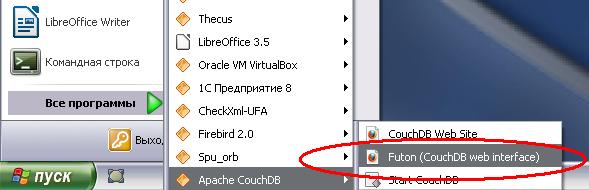
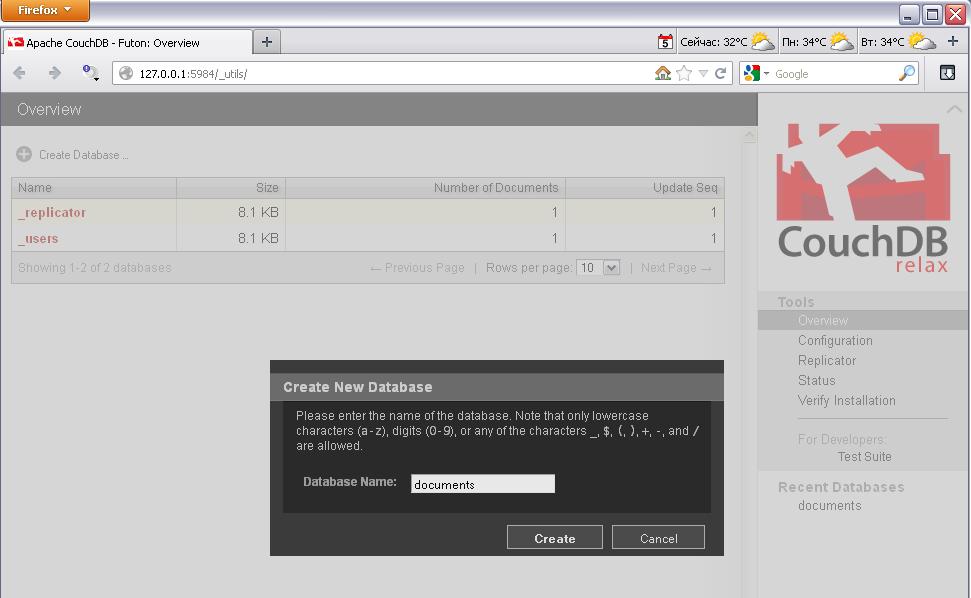
Create a new database

We assign it a name
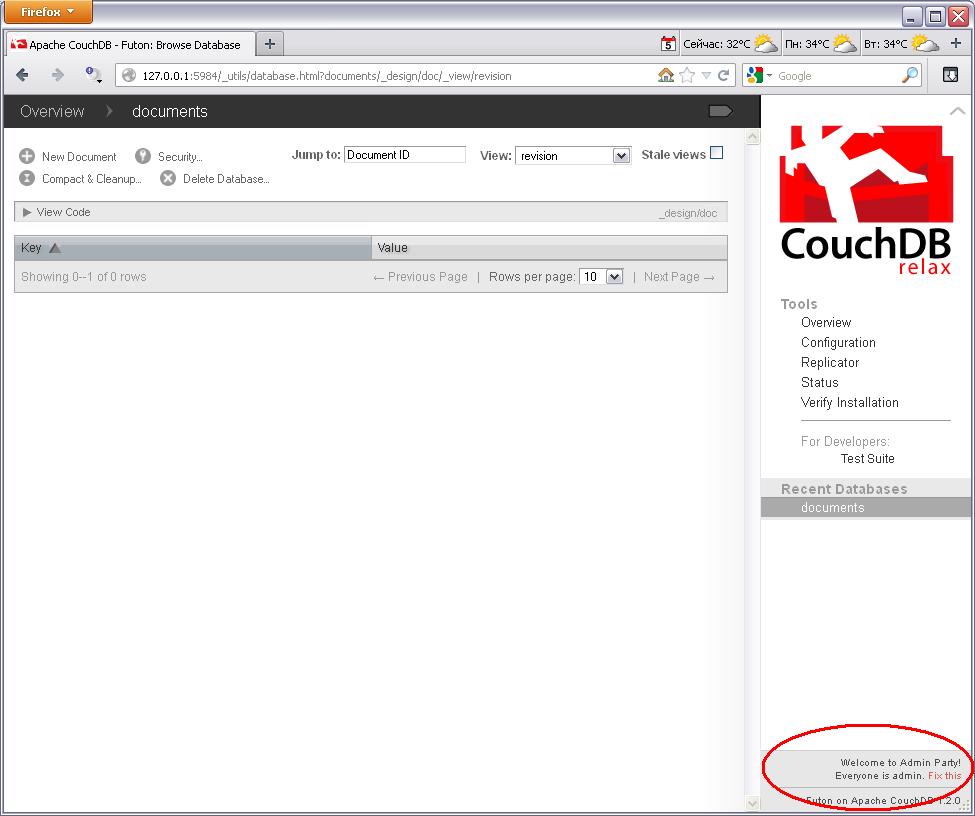
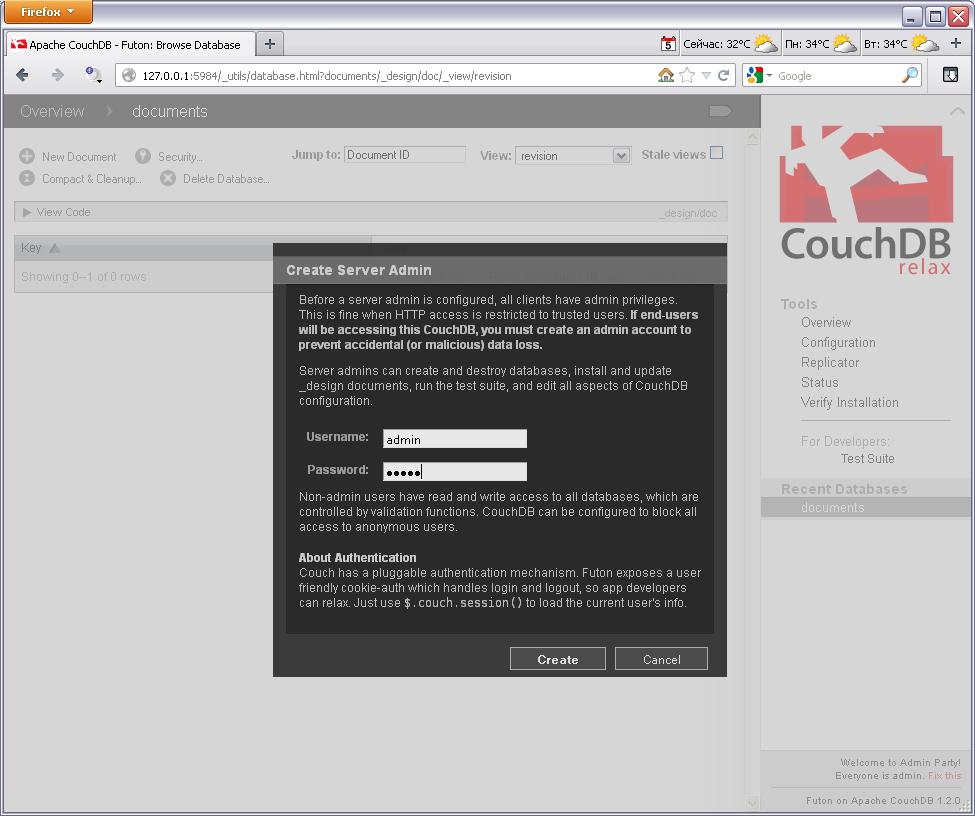
Create a user with administrative rights
Assign a name and password
Now we want to create two functions that provide the ability to receive content and document version.
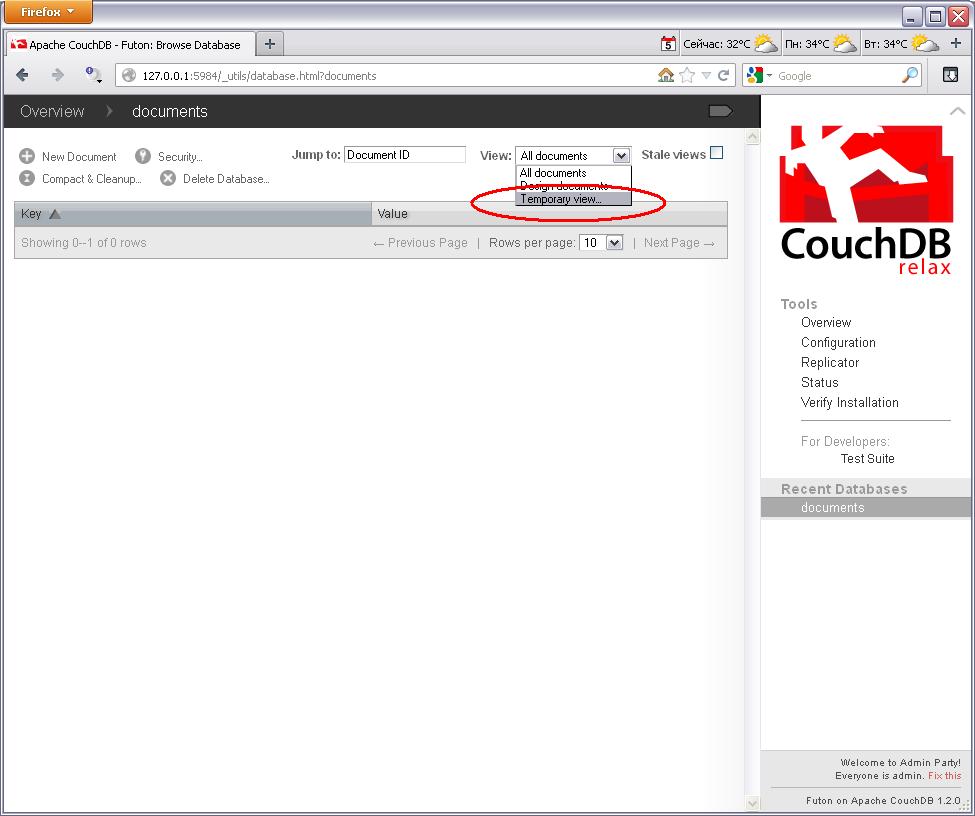
To do this, select the type of "Temporary view"
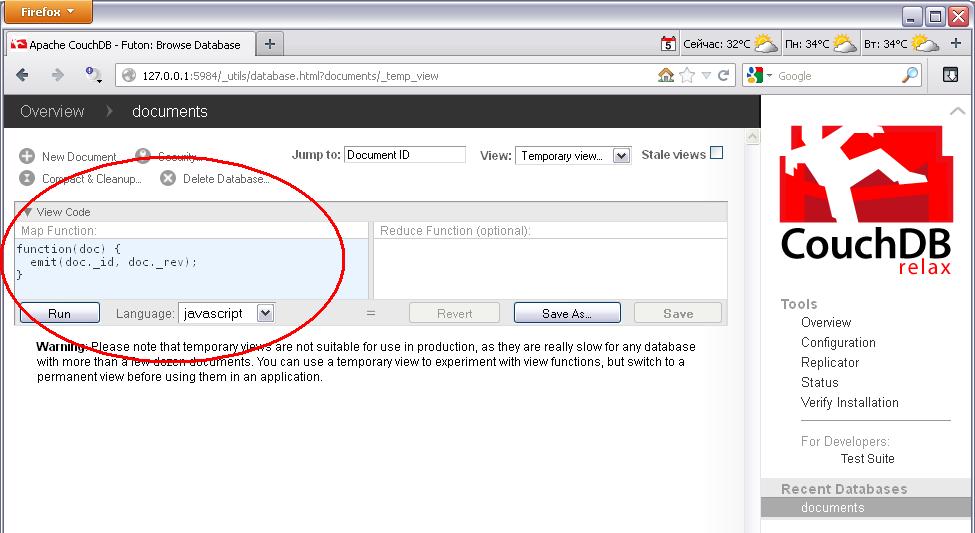
Writing the function code to obtain the contents of the database document (the parameter is the document ID in the database, which is the object GUID of the database 1C).

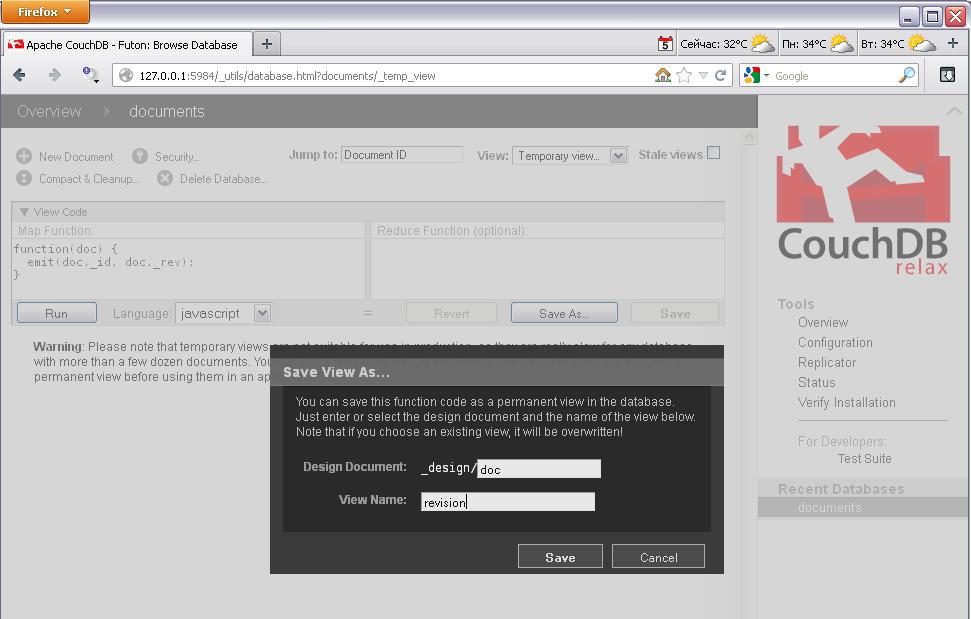
Save function in the database

Now write the function code to obtain the version of the document database
Also keep the function in the database
Working with database 1C.
Further it is possible to run sample database 1C which may be connected to the database created.
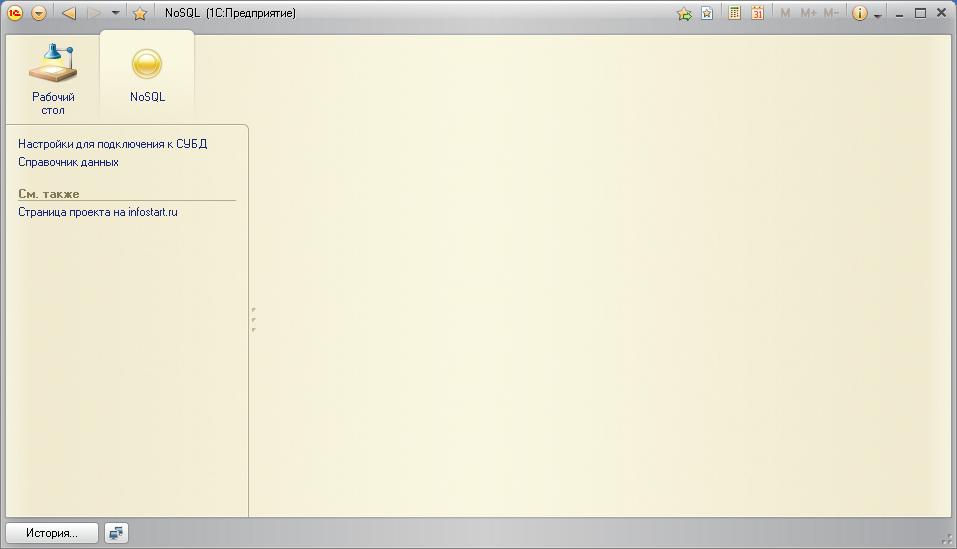
The database consists of directories "Settings to connect to databases CouchDB" and "Data Directory", as well as the general form of "View files contained in an external database" and the general module "NoSQL".
To access the data using COM objects "WinHttp.WinHttpRequest.5.1", "ADODB.Stream" and developed the data in JSON parser.
Directory "settings to connect to the database CouchDB"

Directory "Directory Information"

Directory The "Data Directory"
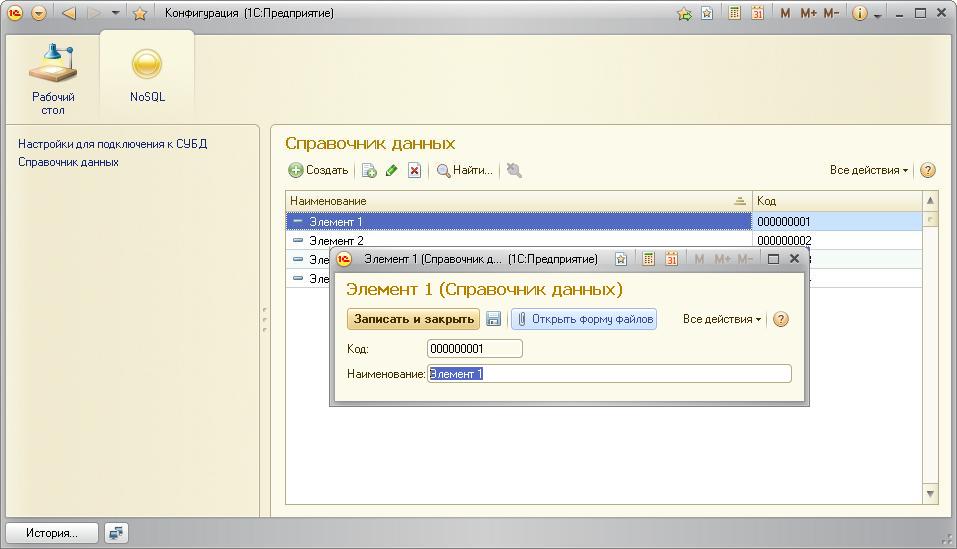
Shape "View files contained in an external database"
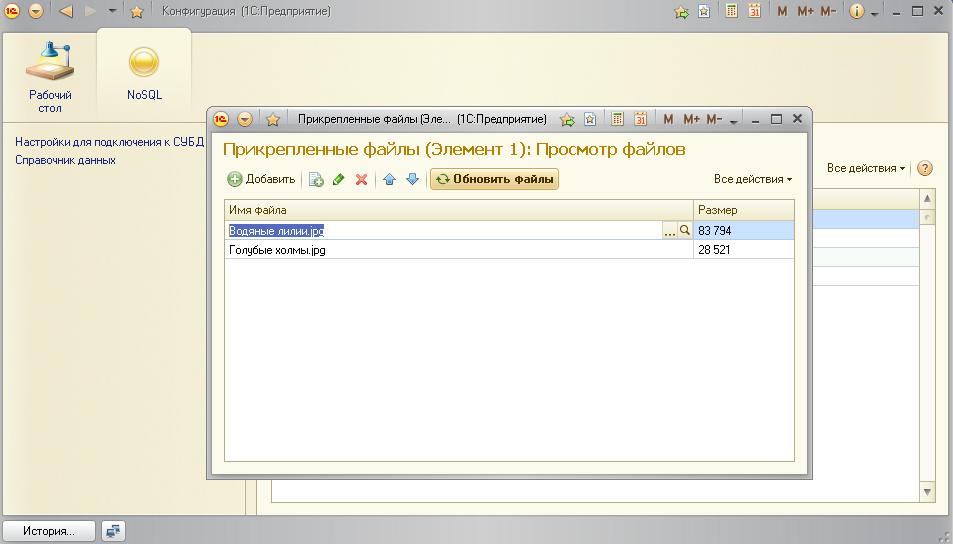
Next, open the form and add the files. Files can be added, replaced, removed or dig (open applications that are installed by default, the extensions of these files).
View the contents of the database.
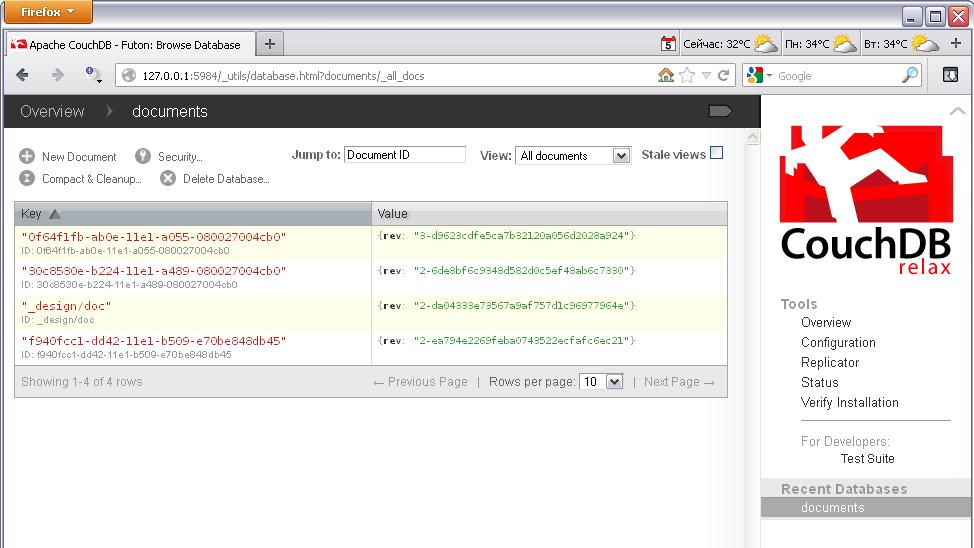
After dovavleniya files, you can view the new documents IDs are GUID elements directory "Data Directory" through the administration console (Futon).
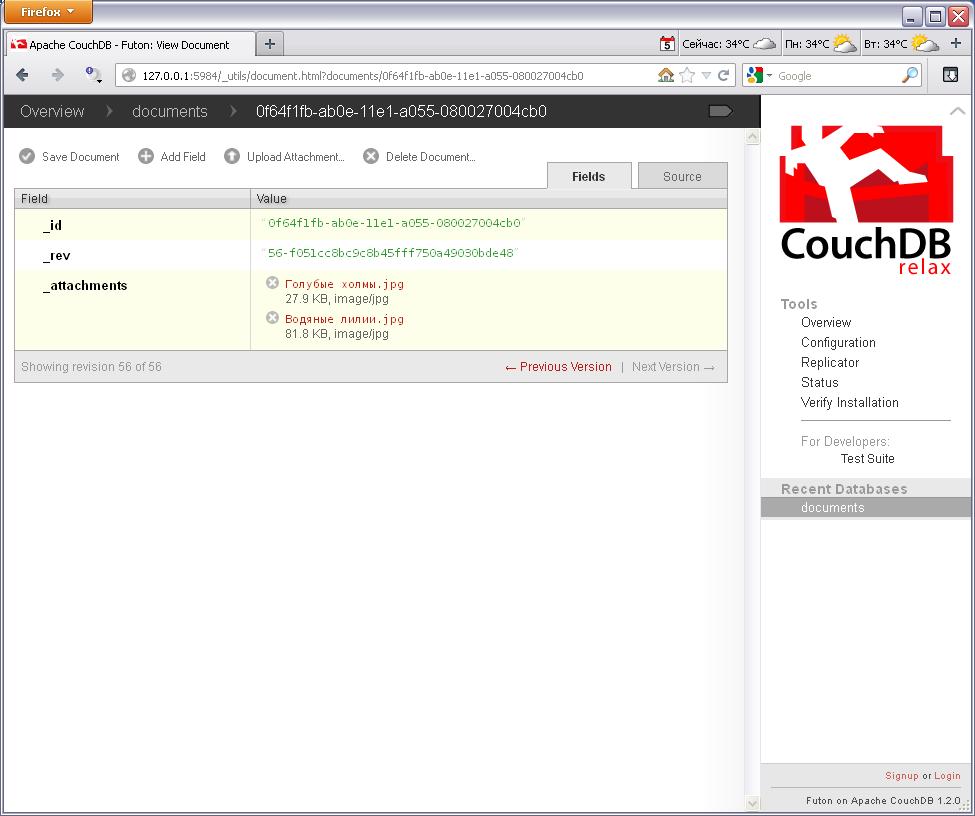
and you can view the contents of the documents themselves
Saved functions are also document databases and their contents, you can view or edit

An important feature of CouchDB database is that it supports versioning of documents. And so any file, even after an accidental deletion can be restored
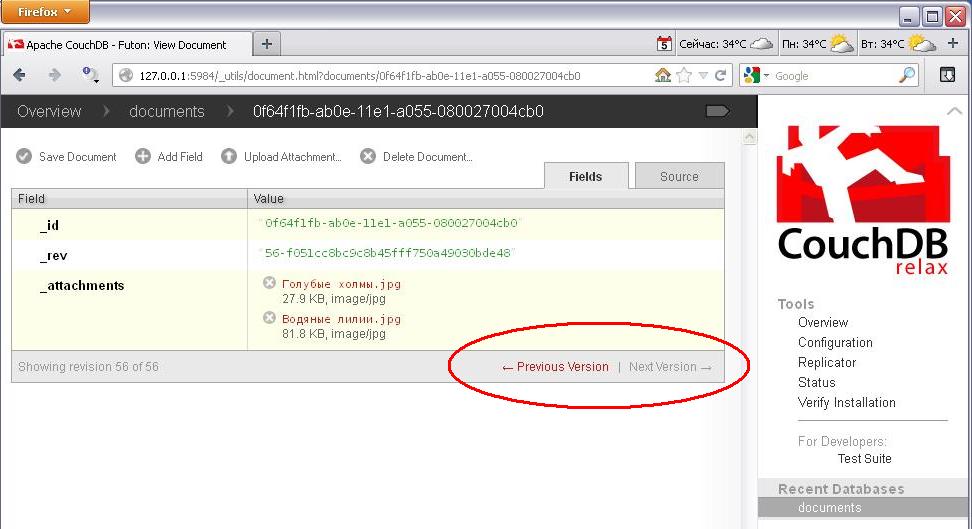
To remove all the old versions of documents is the operation "Compact & CleanUp ..." in the database.
Conclusion.
It was an example of CouchDB database settings, organized access to it from the base 1C for opportunities to work with files.
A parser data in JSON format (stored in the general module NoSQL).